


IPTV player · bring your own playlist

A better wayto watch.

Cozy Player turns the playlist you already have into a warm, fast library built for the remote. Live TV, movies and series, together in one beautiful place.

  • 7 days free
  • From €5.99 a year
  • Cancel anytime

Cozy Player is a player: it includes no channels, films or series. You bring your own playlist.

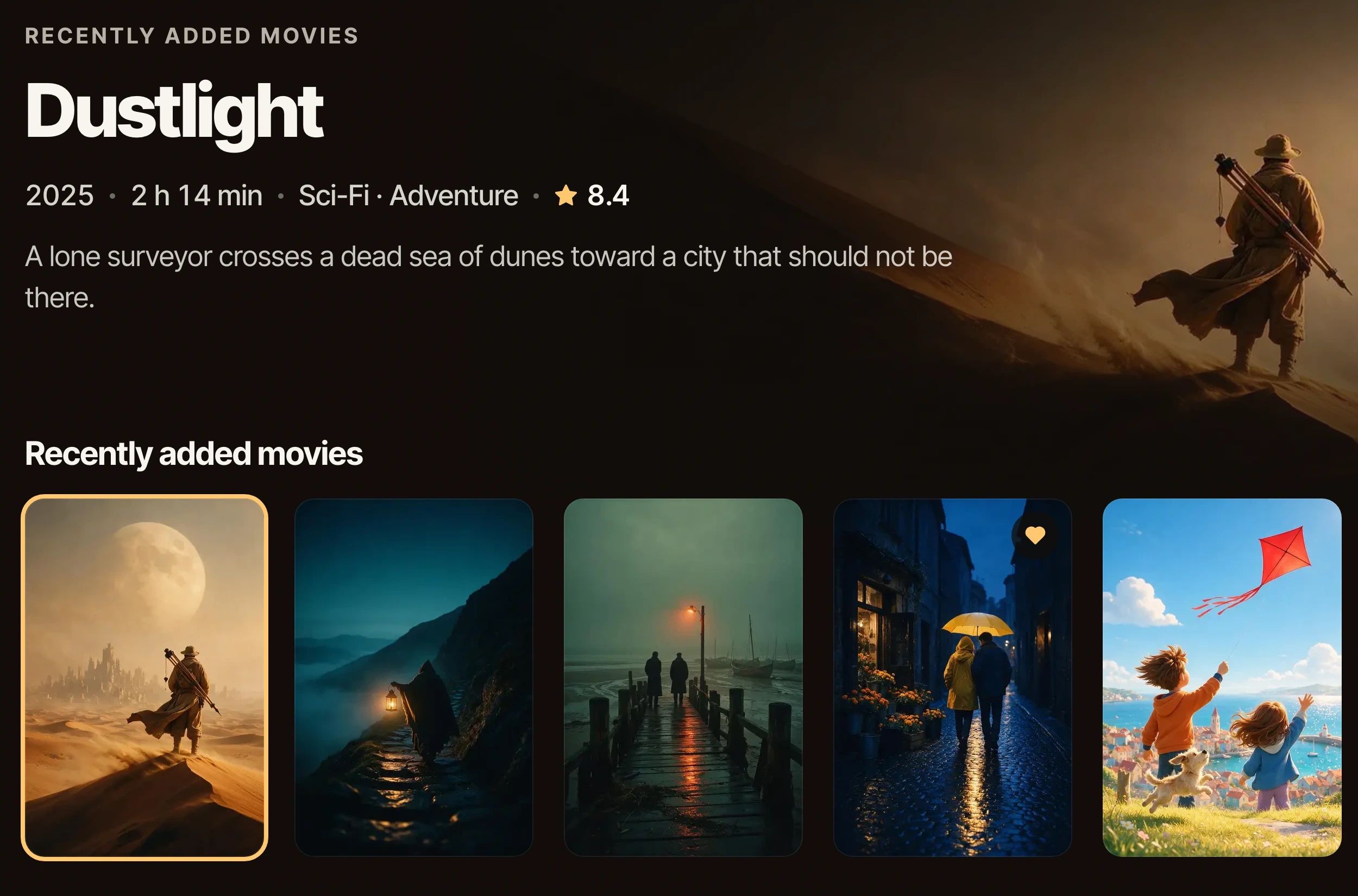
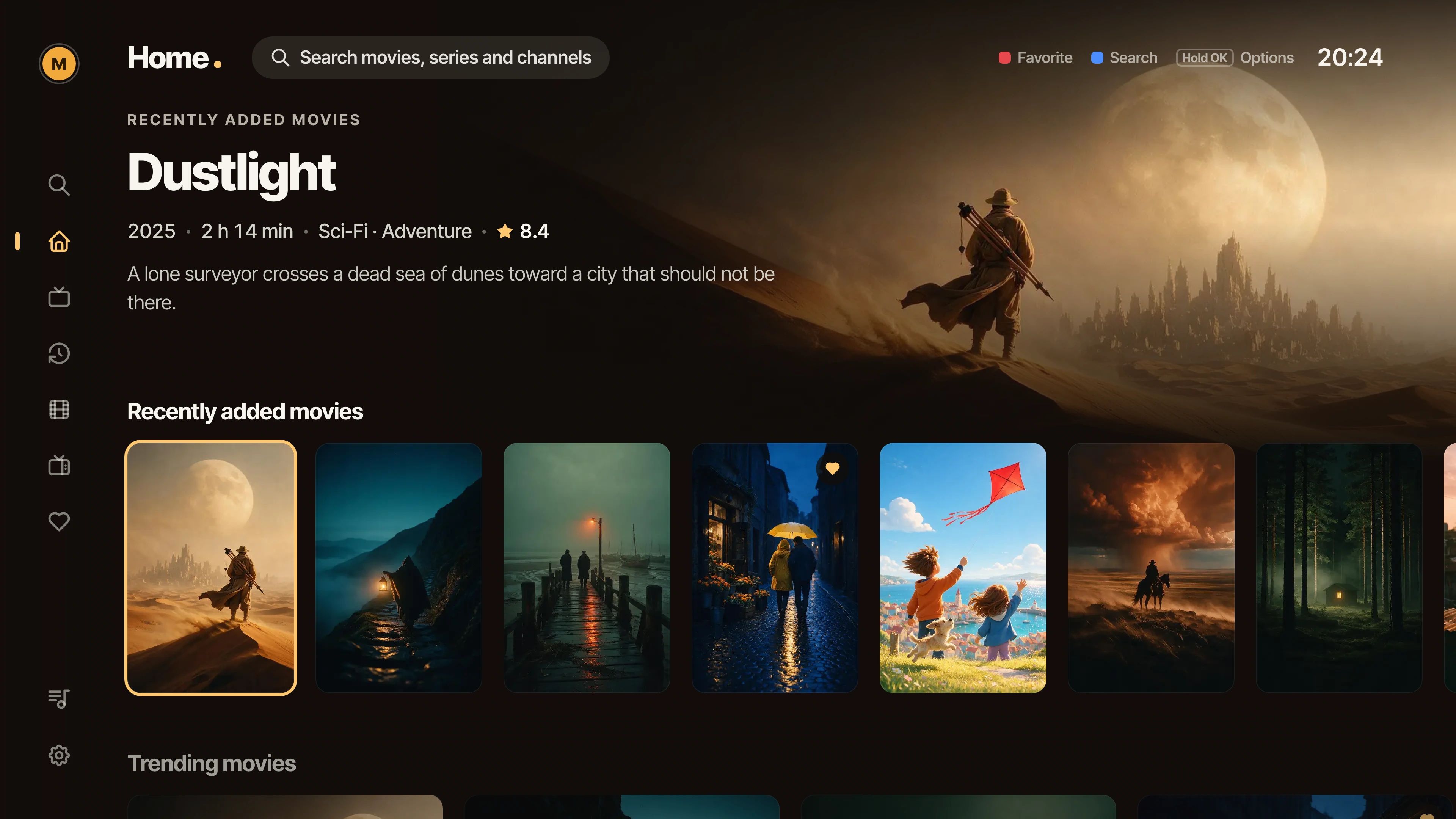
The Cozy Player home screen on a living-room TV: a featured film with its artwork, and a row of posters below.

Coming soon to

Simple & flexible plans

Choose your plan.

All the features you need. Simple, transparent pricing.

Every device starts with 7 days free. No account, no card.

  • Single device

    €5.99/ year

    • 1 device
    • Full access to all features
    • 7-day free trial

You pay on your phone, never on the TV. After payment your TV unlocks by itself within a few seconds.

Get started in minutes

So simple to set up.

  1. 1

    Install

    Find Cozy Player in the app store of your TV or device. The first 7 days are free.

  2. 2

    Scan the QR

    When you subscribe, your TV shows a QR and a short code. Scan it, or type the code on this page.

  3. 3

    Start watching

    Pick a plan and pay on your phone. Your TV unlocks by itself a few seconds later.

Ready? Enter the code on your TV

Your TV shows a QR and a short code when you choose to subscribe. Scan the QR, or type the code here: you will pick your plan and pay on the next page.

No code yet? On your TV, open Settings, then Subscription.

Your TV never asks for a card. Paying takes about two minutes on your phone.

Adding a playlist instead? Manage your TV

Key features

Made for the way you watch.

A clean, powerful player with everything you need for your own playlist.

Live TV

Your channel keeps playing while you browse. See what is on now and next, type a channel number to jump straight to it, and keep your own lists on top.

  • Now and next on every channel
  • Channel numbers on the remote
  • Catch-up where your provider offers it

A live channel playing: a fox in tall grass at sunrise, with the channel name and what is on now and next.

Movies & Series

A real library, not a list of files. Posters, ratings, plots and cast fill in by themselves, and copies of the same title fold into one card.

  • Artwork and details, automatically
  • One card per title, every version inside
  • Seasons, episodes and what to watch next
The Home screen: a featured film with its details, above a row of film posters.

Profiles & Favorites

Up to five profiles on each device, each with its own favorites, history and continue watching. One press saves a favorite from anywhere.

  • Up to 5 profiles, each with a colour
  • Favorites in your own order
  • A 4-digit PIN for parental control

Works on your favorite devices

One player, every screen.

Cozy Player is on its way to the big screen and the small one. Each device is marked here the day it arrives.

  • SamsungSmart TVs, 2020 and newerComing soon
  • LGSmart TVs, 2020 and newerComing soon
  • AndroidPhones and tabletsComing soon
  • Android TVTVs and streaming boxesComing soon
  • iOSiPhone and iPadComing soon
  • Apple TVOn the big screenComing soon

Frequently asked questions

FAQ.

Quick answers to common questions about Cozy Player.

What is Cozy Player?

Cozy Player is a media player for IPTV playlists. It takes the playlist you already have from your own provider and turns it into a warm, fast library with live TV, movies and series, made to be used with a remote.

Do you provide content or channels?

No. Cozy Player is only a player. It includes no channels, films or series, and it is not affiliated with any provider. You need your own playlist from a provider of your choice.

Which devices are supported?

Cozy Player is coming to Samsung and LG smart TVs (2020 models and newer), Android phones, tablets and Android TV, iPhone and iPad, and Apple TV. Each one is marked on this page the day it becomes available.

How do I add my playlist?

Open the app and it shows a QR and a short code. Scan it with your phone and enter the details your provider gave you. You can also type them on the TV with the remote. You can add more than one playlist, and each keeps its own favorites and progress.

Is there a free trial?

Yes. Every device gets 7 days free with every feature. There is no account to create and no card to enter.

Can I use it on multiple devices?

Yes. The Multi plan covers up to 5 devices and keeps your favorites, progress and profiles in step between them. The Single plan covers one device.

How do I pay?

From your phone. Your TV shows a QR and a short code, when your trial ends or any time under Settings, then Subscription. Scan the QR, or type the code on this page, then pick a plan and pay. The app unlocks by itself a few seconds later. Your TV never asks for a card.

Where do I find my code?

On your TV, open Settings, then Subscription. The screen shows a QR and a six-character code such as KF3-9TC. A code works for a few minutes; if it has expired, the TV gives you a new one.

Settle in.

Your playlist. Your experience. A better way to watch.

Subscribe